(Flutter)滑条控件
CODE
import 'package:flutter/material.dart';

void main() {
  runApp(MyApp());
}

class MyApp extends StatelessWidget {
  const MyApp({Key? key}) : super(key: key);

  @override
  Widget build(BuildContext context) {
    return MaterialApp(
      debugShowCheckedModeBanner: false,
      home: MyHomePage(),
    );
  }
}

class MyHomePage extends StatefulWidget {
  const MyHomePage({Key? key}) : super(key: key);

  @override
  State<MyHomePage> createState() => _MyHomePageState();
}

class _MyHomePageState extends State<MyHomePage> {
  double _currentvalue = 0;

  @override
  Widget build(BuildContext context) {
    return Scaffold(
      appBar: AppBar(),
      body: Column(
        mainAxisAlignment: MainAxisAlignment.spaceEvenly,
        children: [
          Text(
            _currentvalue.toInt().toString(),
            style: TextStyle(fontSize: 100),
          ),
          Slider(
            value: _currentvalue,
            min: 0,
            max: 100,
            //divisions: 100,
            label: _currentvalue.toInt().toString(),
            activeColor: Colors.blue,
            inactiveColor: Colors.grey,
            thumbColor: Colors.green,
            onChanged: (value) {
              setState(() {
                _currentvalue = value;
              });
            },
          ),
        ],
      ),
    );
  }
}
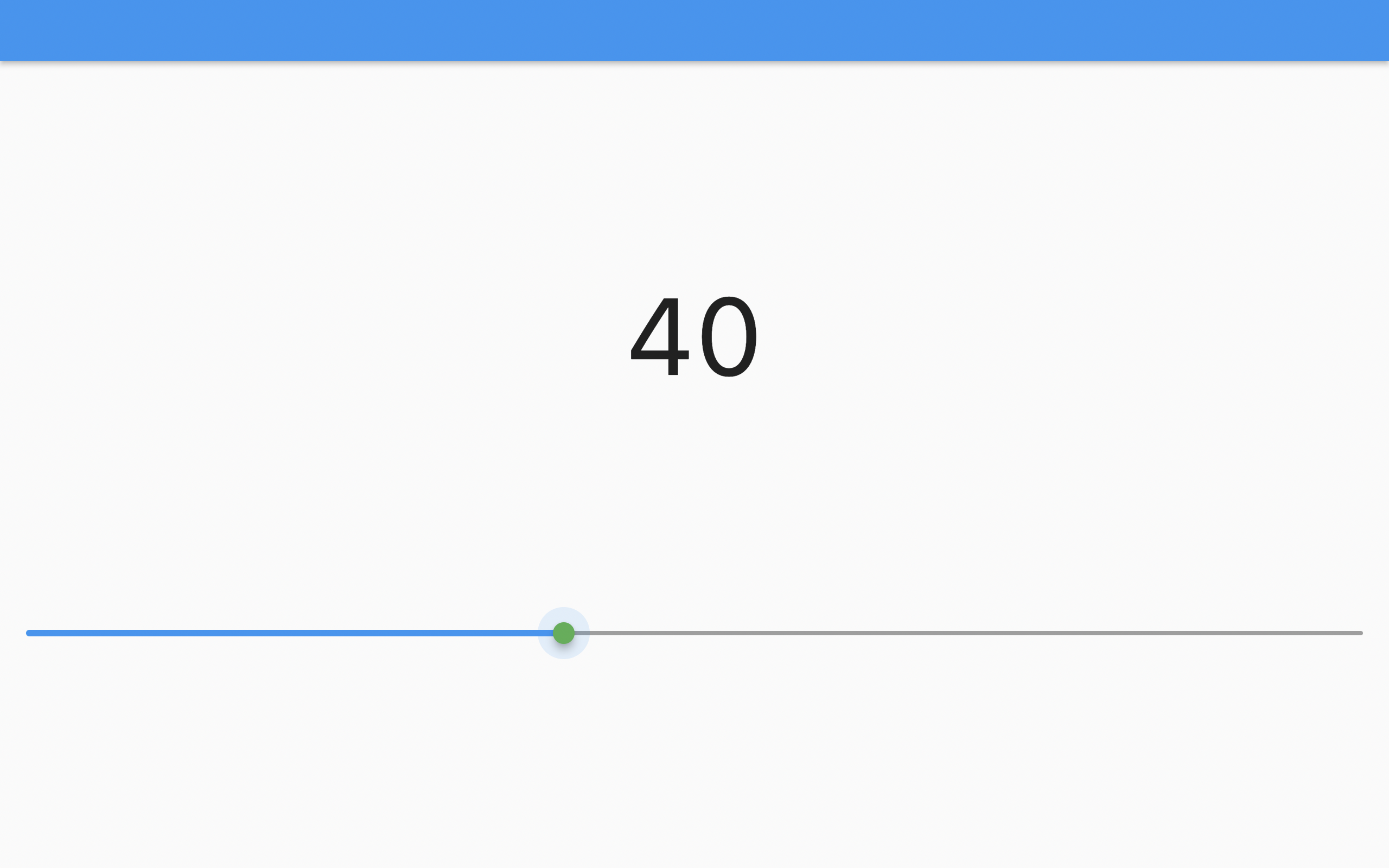
预览
License:
CC BY 4.0